
Microsoft 365 Management
That Just Works
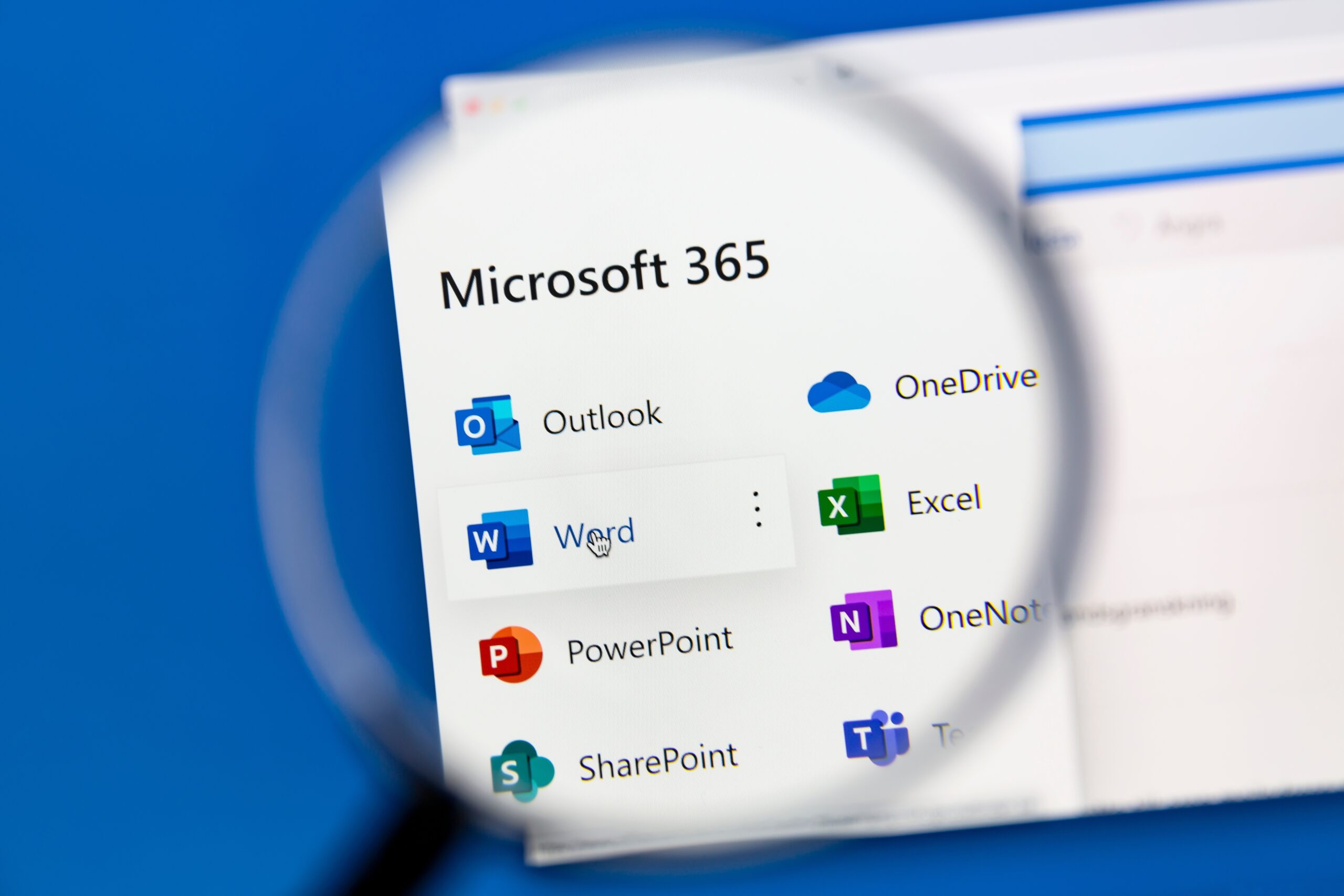
Microsoft 365 is central to how your team communicates and shares information. When it’s set up properly and managed well, it supports your business quietly and reliably.
We take responsibility for the structure, permissions, security configuration, and ongoing administration of your Microsoft 365 environment. Accounts are managed correctly. Access is controlled. Settings stay aligned as your business evolves.

Microsoft 365, Managed Simply
Environment Health Monitoring
Ongoing oversight of your Microsoft 365 tenant to ensure stability, consistency, and early issue detection.
Responsive User Support
Clear assistance with email, access, file sharing, and account queries from a team familiar with your setup.
Configuration and Policy Management
Administration of security settings, compliance policies, and platform updates to maintain a well-structured environment.
Account and Access Control
User provisioning, permission management, and licence allocation handled accurately as your team changes.
Data Retention and Backup Oversight
Supervision of backup and retention settings to ensure business data remains accessible and properly managed.
Who This Service Is Designed For / Who It Isn’t
Businesses that rely on Microsoft 365 and want it professionally managed.
Teams needing clear control of users, licences, and access.
Owners who don’t want to manage the Microsoft 365 admin portal.
Organisations with in-house Microsoft 365 administrators.
Businesses wanting one-off setup only.
Teams that prefer full hands-on tenant control.

What Sets Freedom IT Apart
Microsoft 365 that supports your work, not your workload
We manage Microsoft 365 in a way that removes friction rather than adding it. Setup, monitoring, and day-to-day care are handled quietly in the background, so your systems stay reliable and your team can work without interruptions.
With Freedom IT looking after Microsoft 365, there’s clarity around how things are set up and confidence that it’s being maintained properly. Fewer interruptions. Fewer decisions to second-guess. More space to focus on running your business.
How Microsoft 365 Management Works

Review and Setup
We take the time to understand how your business uses Microsoft 365, then tidy up and configure everything properly so it works consistently from day one.
Ongoing Management
Your Microsoft 365 environment is monitored and maintained in the background, with updates and routine tasks handled to prevent disruptions.
Support and Guidance
When help is needed, you get clear support from people who know your setup, along with practical guidance as your business grows.
Frequently Asked Questions
What’s included in Microsoft 365 Management?
Microsoft 365 Management covers user setup, access control, updates, monitoring, and day-to-day support. We look after email, files, security settings, and the overall environment so everything stays organised and reliable.
Do you provide remote and onsite support?
Most Microsoft 365 support is handled remotely, which allows issues to be resolved quickly with minimal disruption. If an onsite visit is ever needed, we’ll arrange it and manage the process.
How quickly are support requests handled?
Most requests are responded to the same business day. Anything impacting your ability to work is prioritised so your team can get back on track as quickly as possible.
Do you manage security and updates within Microsoft 365?
Yes. We manage updates and maintain sensible security settings across Microsoft 365 to keep things consistent and reduce avoidable issues. This is done quietly as part of ongoing management.
How is pricing structured?
Pricing is based on the size of your team and how Microsoft 365 is used in your business. We’ll talk it through with you and provide clear, predictable pricing with no surprises.
Make Microsoft 365 One Less Thing to Think About
We’ll take care of Microsoft 365, so you can stay focused on running your business.